Instagram Reels Download
Download Instagram reels video in High Quality with our user-friendly tool. Save your favorite videos in seconds – no app required.
Viddrop.in is a free, fast online tool that helps you download Instagram Reels, videos, photos, and audio directly to your device. Save any public Instagram reel to your phone or computer and watch it offline anytime.
Steps to Download Reels From Instagram
Here's a quick and easy way to do it:
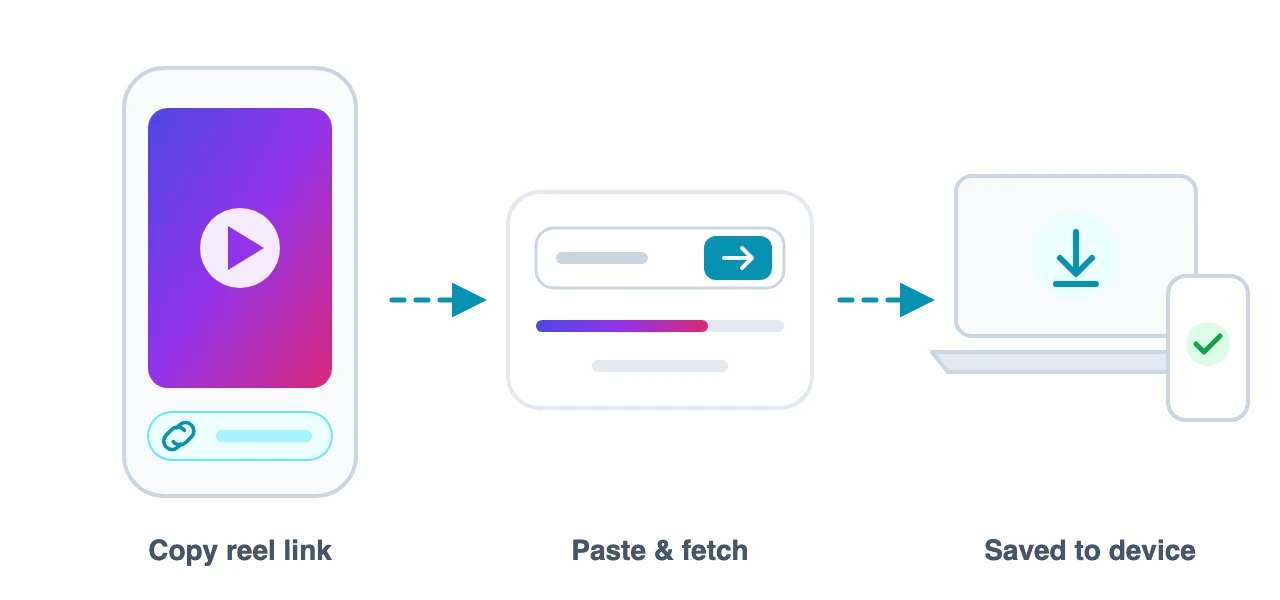
1: Copy Link of the Video
Open Instagram, tap the share icon on any reel, and choose "Copy link".
2: Paste Link into Input Box
Paste the copied link into the box above (or tap the Paste button).
3: Tap "Download Video"
The original MP4 file lands straight in your gallery or downloads folder.
How Instagram Downloader Works?
An Instagram Reels downloader is a web-based tool that lets you save Reels, Videos, Photos, and Audio from Instagram without a watermark simply by entering the URL of the content you want to save.
Copy any public Instagram link, paste it into Viddrop.in, and download the original file to your phone or computer in seconds — no login or software installation required.
Original quality without watermark
Files come down exactly as uploaded — up to Full HD with no watermark or logo added.
Download on any device
Save reels directly to your gallery on Android, iPhone, iPad, Windows PC, or Mac.
Download online by link
Works directly in your browser — no app, extension, or software to download or install.
Always free
No login, no limits, and no hidden fees. Non-intrusive ads support maintaining the service.
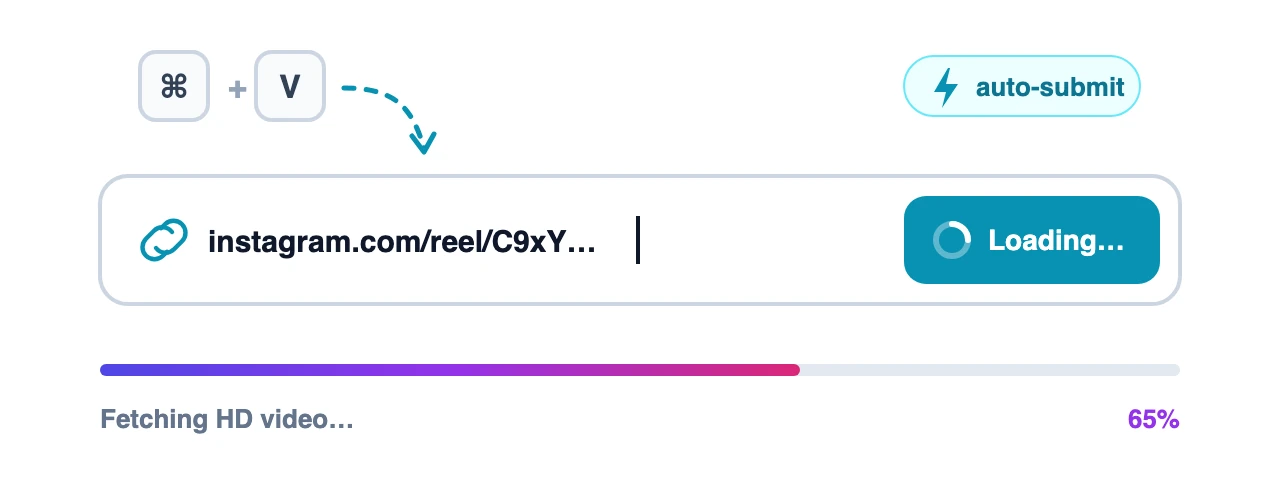
Auto Submit Links
With auto-submit, there is no extra button to press. As soon as you paste a valid Instagram link into the input box using Ctrl+V, ⌘+V, or long-press paste on your phone, Viddrop starts fetching the reel right away. You can also tap the Paste link button to read your clipboard and submit in a single tap.
Copied a link along with a caption or extra text? Viddrop extracts the URL automatically. Once your download is ready, the input box clears itself so you can paste the next link immediately.
Multi Formats Support
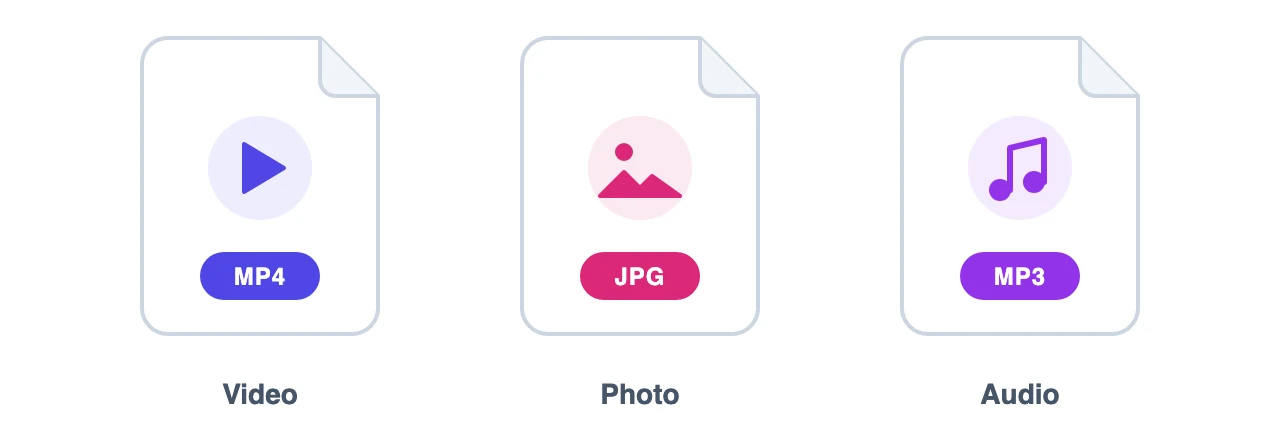
Instagram doesn't let you download reels or media directly from the app. Viddrop helps you save content in high-quality MP4, JPG, or MP3 audio formats with a single click.
Why use Viddrop.in?
Instagram has no built-in download button for reels, videos, or music, so saving a clip you love usually means screen-recording it and losing quality. Viddrop fixes that with a simple web tool: paste the link and get the original file in seconds.
Every download comes in the original quality the creator uploaded, up to Full HD or 4K, with no watermark or logo added. You can save the same post as an MP4 video, a JPG photo, or an MP3 audio track, whichever you need.
It is completely free with no download limits, and you never need to log in, share your Instagram password, or install an app. It works in any browser on Android, iPhone, iPad, Windows, or Mac, and we don't store your downloads on our servers, so your activity stays private.
Downloaded video/audio cannot be used for commercial purposes. Please respect creators' copyright.
Frequently Asked Questions:
Is Viddrop free to use?
Do I need to install any software or app?
What is the quality of the downloaded videos?
Can I download content from private accounts?
Where are the downloaded files saved?
Do I need to provide my Instagram login details?
Is there a limit on how many videos I can download?
Is Viddrop safe for my device?
Do you store my downloaded videos?
Does Viddrop work on Android?
Can I download videos using my phone's browser?
Can I download videos without the Instagram app?
Viddrop.in complies with 17 U.S.C. § 512 and the Digital Millennium Copyright Act (DMCA). It is our policy to respond promptly to valid infringement notices and take appropriate action. If you are a copyright owner and believe your content is being improperly accessed through our service, please reach out via our Contact Us page.